Student apps
Use the following apps to engage with your learning experience.
You always use the same login. Click Sign in with Microsoft and use your school email address and password.
Your email address looks like LastF-00@GBR.merciantrust.org.uk, where Last is your last name, F is your first initial, and 00 is the year you started Year 7.
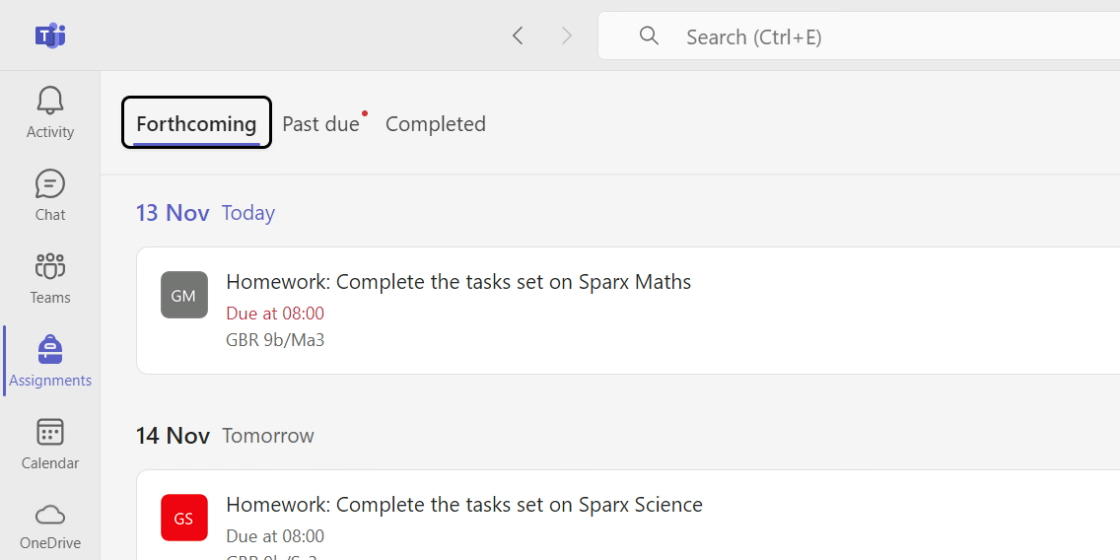
Microsoft Teams
View your homework assignments.
Website · Apple App Store · Google Play Store
Bromcom Student App
View your timetable, attendance, and behaviour points.
Website · Apple App Store · Google Play Store
Sparx
Complete your core subject homework tasks.
Sparx Reader · Sparx Maths · Sparx Science
Curriculum Portal
Complete your knowledge quizzes and revise for assessments.
TripAid
Locate and contact your teachers on a school trip. The visit leader will provide you with a trip code.